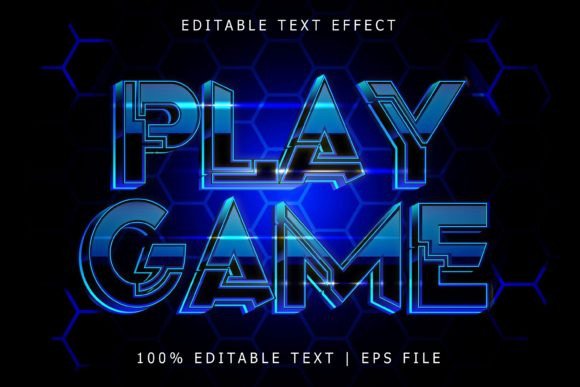
Play Game Editable Text Effect: Dynamic Typography for Modern Projects
In a world saturated with static text, the Play Game Editable Text Effect offers a compelling alternative for designers seeking immediate visual impact. This isn't a traditional font you install; it's a sophisticated effect designed for Adobe Illustrator, transforming standard letterforms into vibrant, three-dimensional statements. Imagine your headlines rendered with a bold, extruded style, complete with customizable colors, gradients, and shadows that make them pop off the screen or page. It’s a powerful tool for anyone looking to inject energy, depth, and a modern edge into their visual communications without spending hours on manual 3D rendering.
Visual Personality and Style
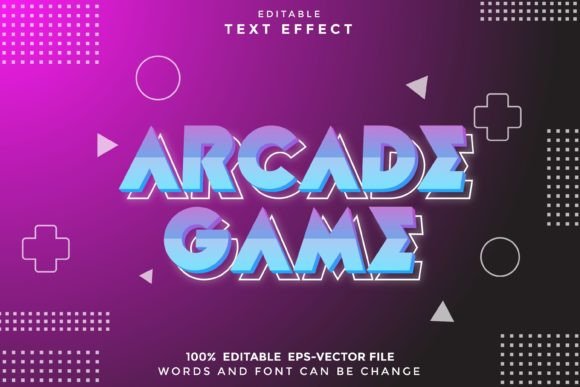
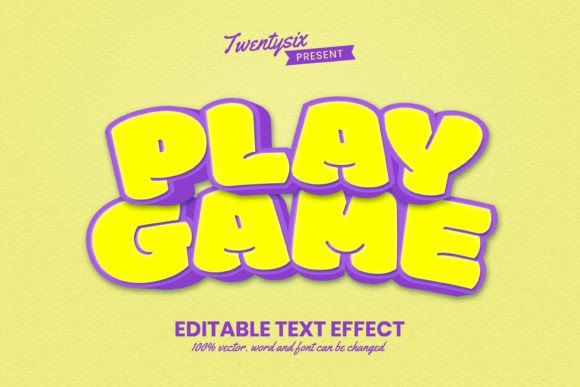
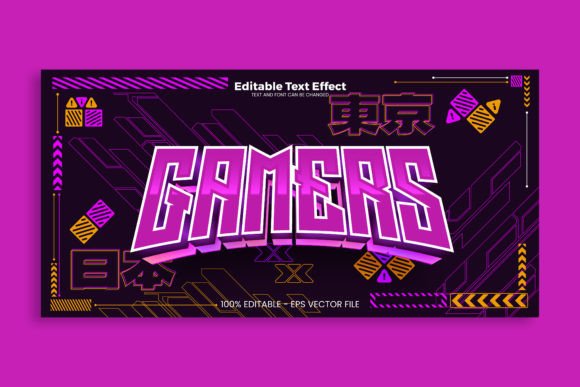
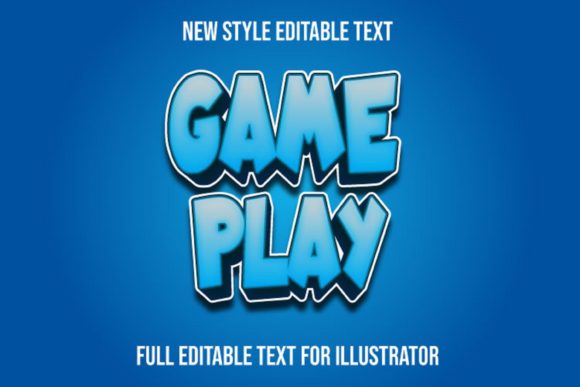
The aesthetic of the Play Game Editable Text Effect leans into a contemporary, slightly playful, and undeniably bold graphic style. It evokes the dynamic lettering seen in video game titles, tech branding, and youthful, energetic campaigns. The effect typically creates a sense of depth and dimension, making text feel tactile and engaging. Its personality is confident, modern, and designed to capture attention quickly. This makes it an excellent choice for projects that need to convey innovation, fun, or a forward-thinking brand identity. It functions as a premium display font effect, ideal for headlines, logos, and short bursts of impactful text rather than lengthy body copy.
Where This Text Effect Shines
The versatility of the Play Game Editable Text Effect is one of its strongest suits. Because it's fully editable and works with any font or shape in Illustrator, its applications are vast. Consider these real-world uses:
- Branding & Logo Design: Create distinctive, memorable logos for tech startups, gaming companies, mobile apps, or entertainment brands. The effect helps establish a strong brand identity that feels modern and dynamic.
- Marketing & Social Media: Design eye-catching headlines for social media graphics, Facebook ads, Instagram stories, or YouTube thumbnails. The 3D quality helps your message stand out in a fast-scrolling feed, improving engagement and recognition.
- Editorial & Packaging: Use it for chapter titles in magazines, book covers, or product packaging that needs to jump off the shelf. It’s perfect for creating a strong visual hierarchy on a poster or a book cover, guiding the viewer’s eye directly to the main message.
- Personal & Commercial Projects: From designing custom merchandise like t-shirts and posters to creating event invitations or podcast artwork, the effect adds a professional, polished look that elevates any project. Its commercial font licensing makes it safe for client work and products for sale.
Practical Guidance for Integration
Adopting a new design asset like this requires a thoughtful approach. Here’s how to evaluate and use the Play Game Editable Text Effect effectively:
- Evaluate Project Fit: Is your project’s tone energetic, modern, or playful? This effect may not suit a law firm’s website or a traditional luxury brand, but it’s perfect for a new gaming console launch or a fitness app. Always match the tool to the project’s personality.
- Test Font Pairings: The effect works with any typeface. Pair your stylized headline with a clean, simple sans serif font or even a serif font for body text to ensure readability. The contrast between the dynamic display text and a neutral body font creates a balanced and professional layout.
- Master the Editability: The true power lies in its editability. You can change the color of the text, the extrusion, and the shadow independently. Experiment with gradients to create metallic or neon effects. Scale it to any size without losing quality, making it suitable for both a tiny icon and a massive billboard.
- Consider Readability: While impactful, heavily stylized effects can reduce readability if overused. Reserve the Play Game Editable Text Effect for key headlines, logos, or call-to-action buttons. Never use it for paragraphs of body copy where clarity is paramount.
Ultimately, the Play Game Editable Text Effect is more than just a stylistic trick; it’s a strategic design asset. It provides a shortcut to high-quality, three-dimensional typography that can define a campaign’s look, strengthen a brand’s visual language, and make your content more engaging. By understanding its strengths and applying it judiciously, you can leverage this tool to create work that feels both contemporary and professionally crafted, ensuring your message isn’t just seen, but remembered.